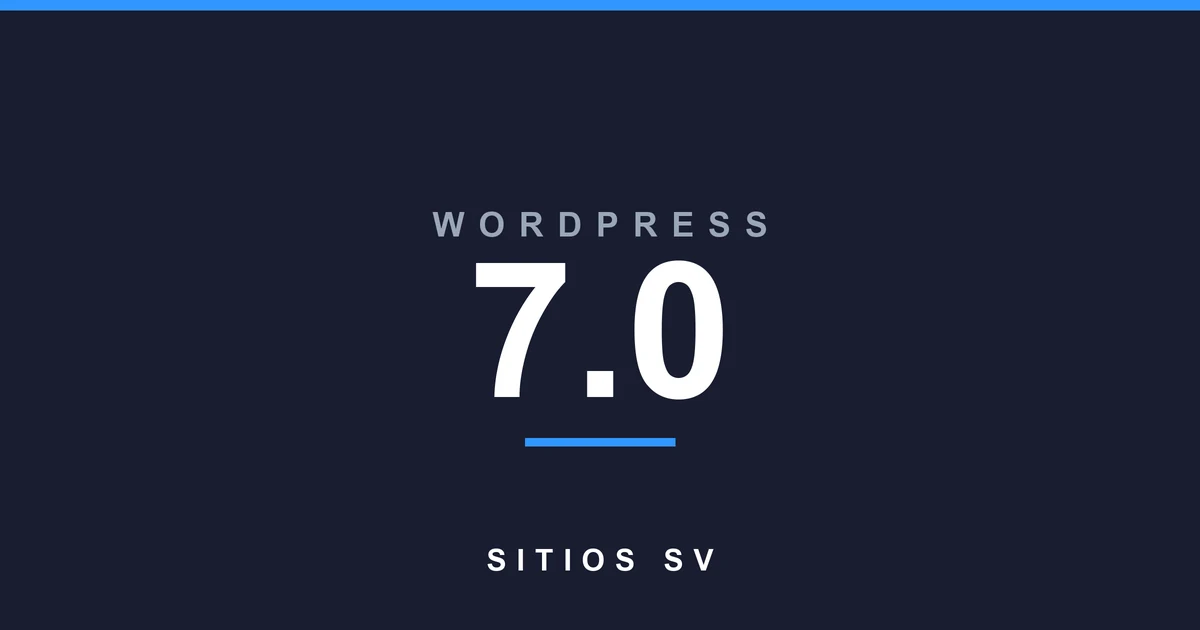
WordPress 7.0 is the 2026 major release of WordPress, codenamed Armstrong, and its headline change is built-in AI. The reassuring part is that the AI is fully optional and off by default. WordPress 7.0 also brings a faster admin, new blocks, and performance work, and your existing content carries over untouched. Here is what is actually new, what it means for your site, and how to update without breaking anything.
Contents
What Is WordPress 7.0?
WordPress 7.0 is the major version of WordPress released in 2026, codenamed Armstrong after the jazz musician. It is the biggest core update in years, and the theme of the release is connection: a standard way for WordPress to talk to AI services, a faster and more modern admin, and a set of new blocks and design controls. Like every WordPress release, it is free and you install it from your dashboard.
WordPress runs about 40% of all websites, so a major version matters for almost every small business online. Timing matters too. For firms on a compliance calendar, like the accounting firms we maintain, we schedule major updates like this one around busy season, not during it. WordPress 7.0 follows 6.9, which shipped in December 2025, and the 6.9.x security releases that came after it. Your pages, posts, and design carry over. Nothing about how your site looks changes on its own.
What Are the Big New Features in WordPress 7.0?
The big features in WordPress 7.0 are built-in AI connections, a faster and more modern admin, new blocks, and performance and accessibility work under the hood. It adds tools, it does not change your content. Here is what stands out for a normal business site.
- AI Foundations. A new AI Client, a Connectors API, and a Connectors screen give WordPress one consistent way to connect to AI providers like OpenAI, Google, and Anthropic. This is the headline change.
- A faster, modern admin. A refreshed dashboard, new DataViews list screens that replace the old static tables, the Command Palette, and better font management.
- New and improved blocks. A Breadcrumbs block, an Icons block, gallery lightbox improvements, Heading block updates, and more block-level styling.
- Flexible design controls. Custom navigation overlays, responsive block visibility so you can hide blocks on mobile, and simpler pattern editing.
- Performance and accessibility. Faster loading, a more stable editor, and stronger accessibility under the hood.
- Developer updates. PHP-only block registration, expanded APIs, and a more extensible Site Editor for the people who build on WordPress.
What Do the New AI Features Actually Do?
The AI features in WordPress 7.0 give your site a standard, secure way to connect to AI providers through the new AI Client and Connectors API. Nothing happens automatically. The AI features are off by default, you have to turn them on and connect a provider yourself, and nothing is shared with any AI service unless you enable it.
In plain terms, WordPress 7.0 does not put a chatbot on your site. It gives plugin makers a common foundation to build AI tools on, things like drafting help, automatic alt text, or smarter support, and over the next year you will see plugins use it. We already lean on AI in our own work, which we wrote about in how we use AI to maintain and secure WordPress sites. One honest note: every feature you switch on is one more thing to configure and keep secure, so turn on only what you will actually use.
Should You Update to WordPress 7.0 Right Now?
Yes, you should move to WordPress 7.0, but not blindly on day one. A major version can expose a conflict with an old plugin or theme, so the safe move is to test it on a staging copy first, confirm your plugins are compatible, take a full backup, then update the live site. Older versions stop getting security patches over time, so staying current is part of keeping the site safe.
If your site is simple and your plugins are current, you can update sooner. If it is heavily customized or runs old or abandoned plugins, give it a couple of weeks and test carefully, because plugin and theme conflicts cause the large majority of update problems, not the WordPress core itself.
How Do You Update to WordPress 7.0 Safely?
To update to WordPress 7.0 safely, back up first, test on staging, then update in order: core, then plugins, then your theme, one at a time, checking the site after each step. If something breaks, you roll back to the backup. That is the same process we run for every site we manage.
- Take a full backup of your files and database, and keep it until you are sure.
- Test the update on a staging copy, never straight on the live site.
- Update WordPress core first, then plugins, then your theme, one at a time.
- Check your key pages, contact forms, and checkout after each change.
- If anything breaks, restore the backup and find the plugin that caused it.
The full walkthrough, with the exact order and the rollback steps, is in how to update WordPress without breaking your site. If you would rather not handle it, our WordPress Care Plans include tested updates on staging, so your site moves to 7.0 without you touching a thing.
Is WordPress 7.0 safe to update to?
Yes, once you test it. Major versions occasionally conflict with older plugins or themes, so back up and test on a staging copy first. On a maintained site with current plugins, the update is usually smooth.
Does WordPress 7.0 use AI automatically?
No. The AI features are optional and off by default. Nothing is shared with any AI provider unless you enable a connection yourself.
Will my plugins work with WordPress 7.0?
Most actively maintained plugins already support it. Abandoned or heavily customized plugins are the usual cause of trouble, so check for updates and test on staging before you go live.
What is WordPress 7.0 named after?
Like every release, it is named after a jazz musician. Version 7.0 is Armstrong. WordPress 6.9 shipped in December 2025 before it.
Do I have to update right away?
No, but do not wait too long. Older versions stop getting security patches, and an unpatched site is the number one way WordPress sites get hacked. Plan the update within a few weeks, after testing.
Want WordPress updates handled for you?
We test and apply core, plugin, and theme updates on staging first, so your site moves to WordPress 7.0 without surprises. Plans start at $99 a month.